
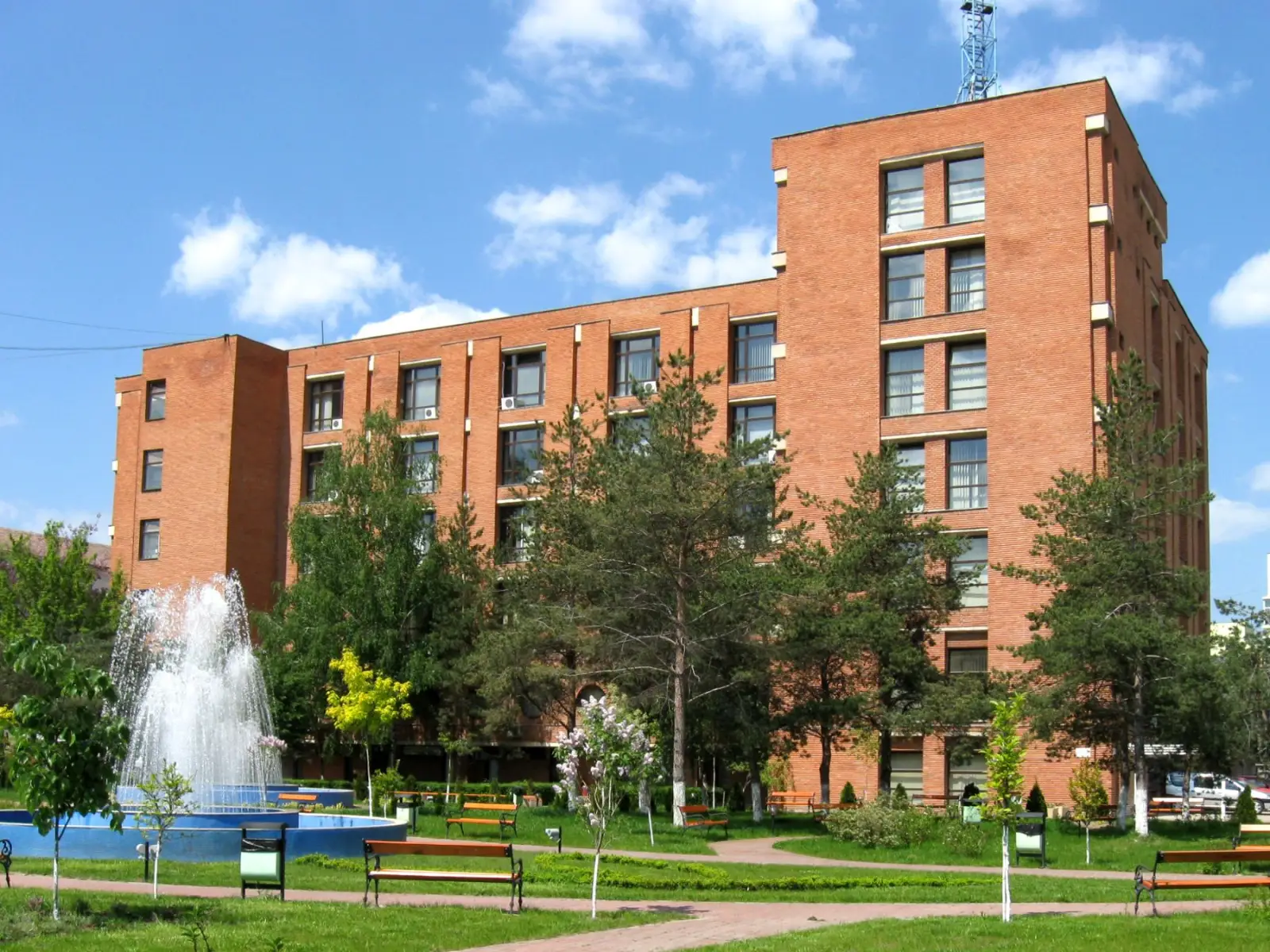
Leadership · Office hours
Book a meeting
Choose who you want to see, then a day and a time from the free slots. The confirmation reaches you by email straight away.
Booking
Pick the day and time
Only free slots from the next three weeks are shown. A meeting lasts half an hour.
Worth knowing
- A meeting lasts thirty minutes.
- You can book up to two hours before the slot.
- If you cannot come, cancel from the email: the slot goes back to another student.
- Booking is only possible with an institutional address, @student.upt.ro.
What happens next
What happens once you send it
01
You get the confirmation
Straight away, at the address you entered. The message carries the day, the time, the place and the link that cancels it.
02
You come to the dean's office
Orologerie building, fifth floor, room 501. Come a few minutes early and bring your student card.
03
If something changes
When a period is blocked, you hear about it by email and can pick another day. Likewise, if you cancel, the slot is freed at once.
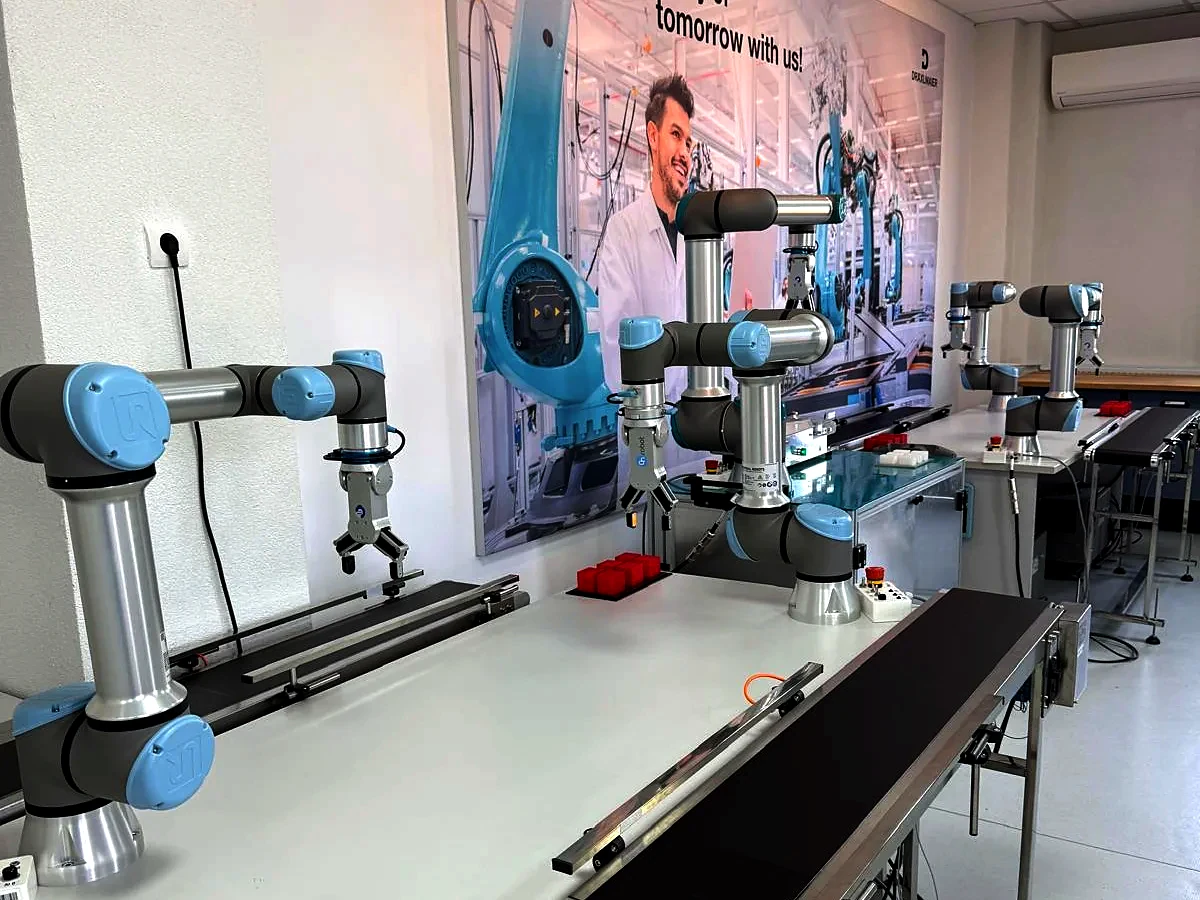
Other requests
For academic records, documents and applications, the way is the faculty registry, not a meeting.